manual · chapter: windows networks
Network Scanner, from open to overdue audit
Computers, printers, shared folders — and the permissions nobody reviewed. LizardSystems Network Scanner turns a Friday-afternoon worry into a sortable table.
revised 15 september 2026 · windows · free edition available
§ 1What it is for
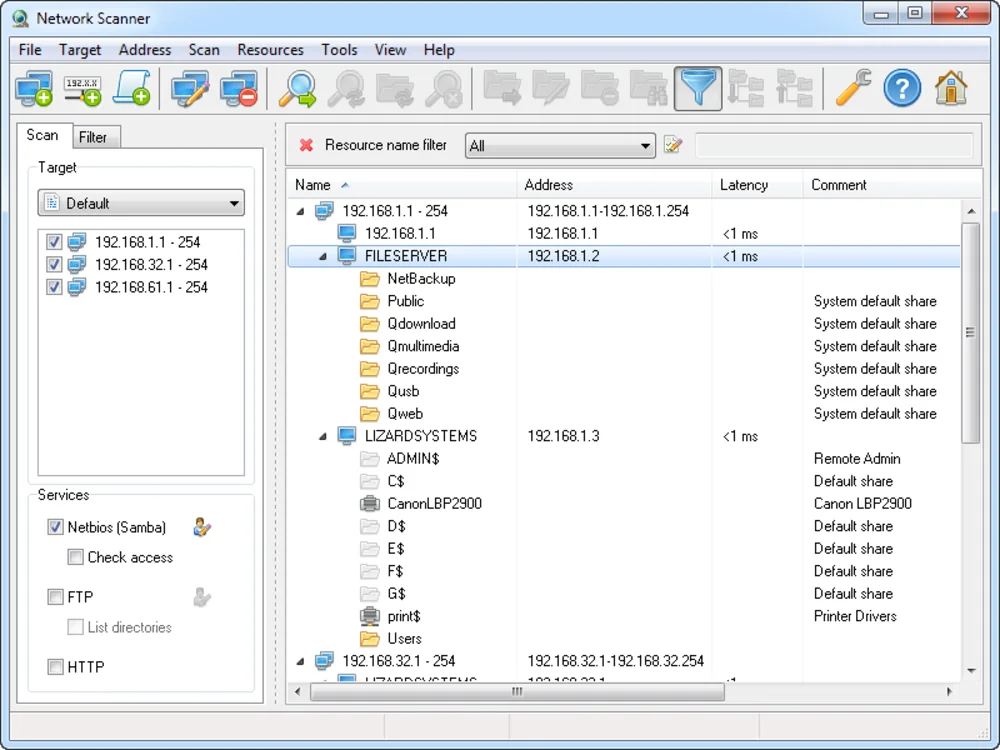
Windows sites accumulate shares the way drawers accumulate cables. Someone maps a folder for a one-off transfer in 2019, permissions default to Everyone, and the share outlives the project by years. Network Scanner enumerates every computer on the LAN, every share and printer it exposes, and — its signature move — attempts to open each share with your everyday account to record what a normal user could actually read or modify.
§ 2Running the audit
-
Define the target space
Enter your subnet as a range or CIDR block. For multi-subnet sites, run one pass per subnet rather than one heroic sweep across them all.
-
Turn on the resource checks
In scanning options enable shared resources and the access check. This is the difference between a list of names and an audit.
-
Scan as an ordinary user
Run it from a standard account, not an admin one. Results then describe what any colleague could reach — the number that matters for risk.
-
Read the findings by severity
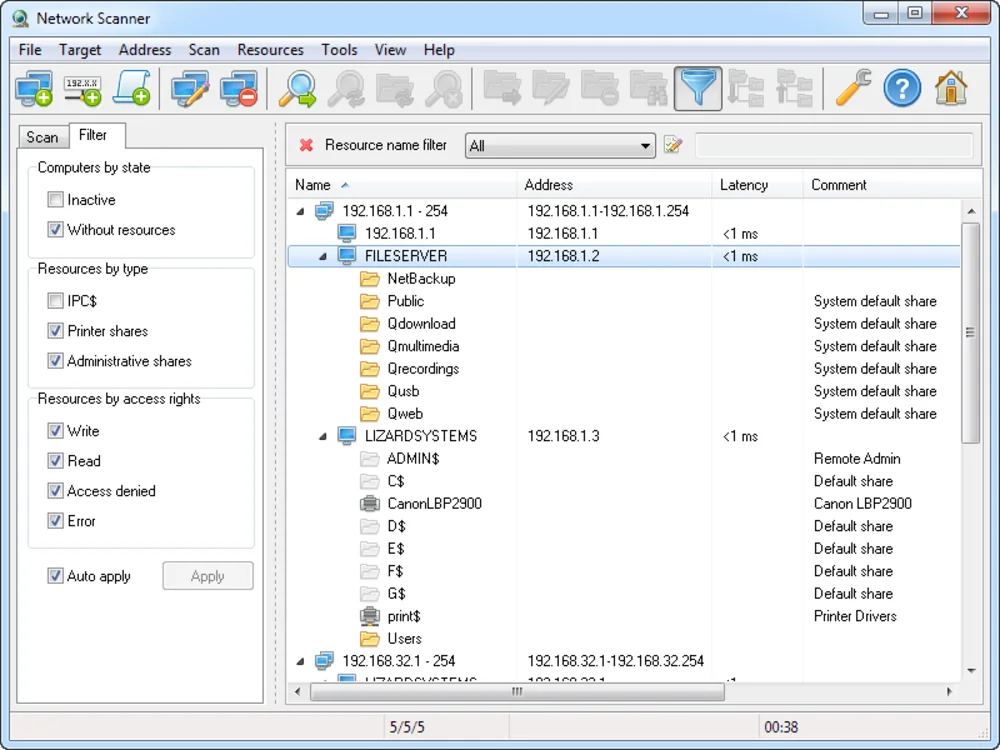
Sort by access level. Writable shares that nobody remembers creating come first; read-only public shares are usually fine to leave for later.
-
Export and schedule a recheck
Save the report, fix the offenders, rescan after the fixes to confirm the writable column is empty. Quarterly repeats keep it that way — see the census routine.
§ 3Reader questions
How much does it cost?
The free edition shows a limited number of computers per scan — plenty to judge whether it fits your site. The paid licence lifts the cap; current pricing lives on the vendor's ordering page.
Does it see Linux machines?
Anything speaking SMB appears in results — Linux servers and NAS boxes included. The application itself runs only on Windows.
What exactly does the access check prove?
That your account, as run, could open the share for reading or writing. It is not a permissions decoder — it is a practical "could a random employee change this file" test, which is the question you actually had.